
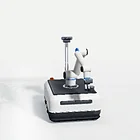
 Mobile manipulator
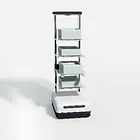 Tote-handling robot
 Lift AMR
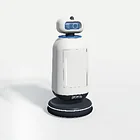 Hotel service robot
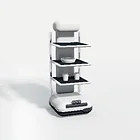 Delivery robot
 Education robot
 Vision cobot cell
 Guide and inspection robot
Technical Support
From product selection and integration to orders and after-sales — find the right kind of help for where you are.
Connection, driver and warranty questions on TANNAI products you have are answered without charge. Choosing hardware before you buy is different: a Technical Fit Review is a separate, paid desk review.
Choosing hardware before you buy? That is a separate, optional service. Selection & Sourcing
Device
IllustrationDiagnosis Guide
Pick the device and what you see. Follow the checks, then carry the details into a support request.
 Illustration
Checks
- Connect directly to the host with another port and cable — not through a hub.
- Check that the host lists the device (USB device list or serial ports).
- Note the operating system, its version and the host model.
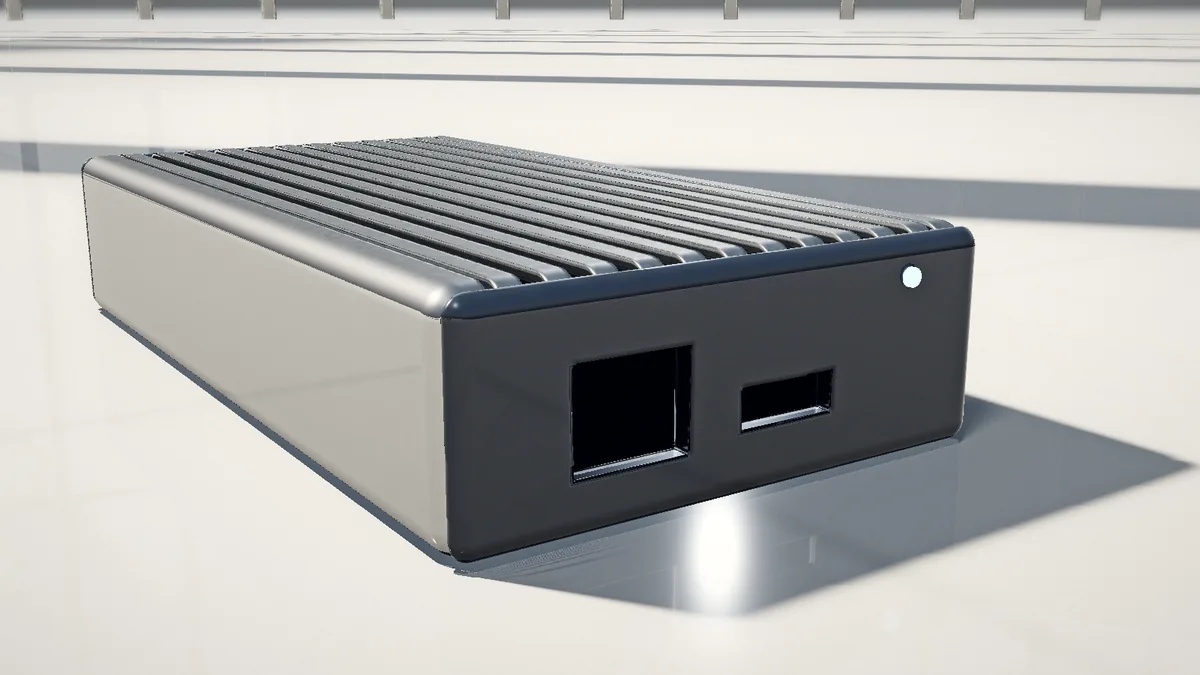
The AI box lists Ethernet and HDMI; use a display and the network to check that it starts and is reachable.
Technical Documents
Specifications are online; other documents are sent on request for the exact model.
| Models & documents | Spec sheet | Installation notes | Drivers & SDK | Common Questions |
|---|---|---|---|---|
 TR-EDGE-3588Edge AI & Computing | View online | On request | On request | View online |
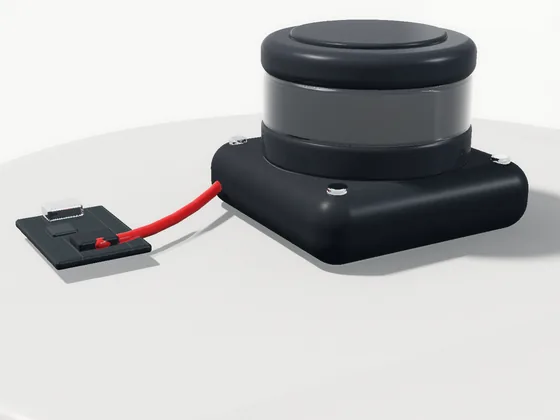 TR-LID-D500LiDAR & Perception | View online | On request | On request | View online |
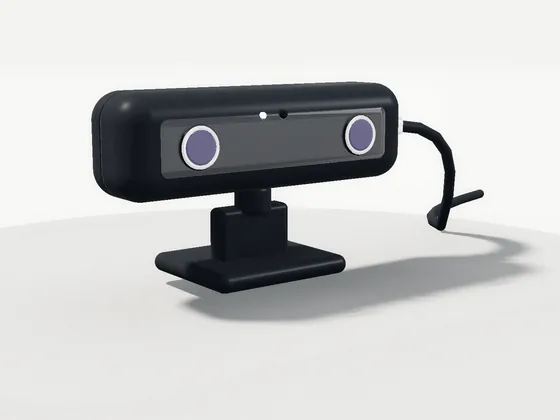 TR-CAM-U4MVision & Depth Cameras | View online | On request | On request | View online |
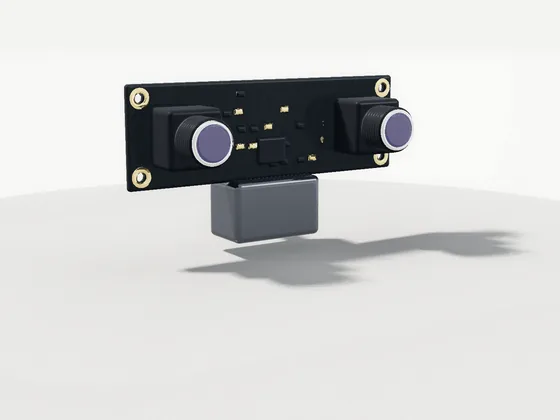 TR-CAM-S4MVision & Depth Cameras | View online | On request | On request | View online |
No PDF, driver or SDK downloads are hosted on this site yet.
Support Request
Technical questions and document requests go here — separate from sales quotes.
Where do you need to go?
Request prepared — not sent
Design preview: nothing was sent and no ticket was created. On the live site, this request goes to the support team once the backend is connected.
You can paste it into an email to the registered address in the footer.
Support Workbench
Pick a product family: published specifications, interfaces and the checks to make before integration.

Published specifications
- Sensor resolution
- 4 MP
- Frame rate
- 30 fps
- Interface
- USB 2.0, driver-free

Published specifications
- Sensor resolution
- 2 x 1080p (3840 x 1080 combined, 4 MP)
- Frame rate
- 30 fps
- Interface
- USB 2.0, driver-free
Selection notes
- Working distance and field of view for the task
- Lighting and surface texture at the site
- Driver and SDK on your host OS
Check before integration
USB: both cameras list USB 2.0, driver-free; the LiDAR connects through its included UART-to-USB adapter board. Confirm the driver on your host OS.
Validate the driver on the intended host.

Published specifications
- Minimum range
- 0.03 m
- Maximum range
- 12 m
- Ranging accuracy
- ±10 mm
Selection notes
- Mounting height and a clear 360° scan plane
- Glass, mirrors or dark surfaces in the area
- Serial or USB link to your host
Check before integration
Serial: the D500 LiDAR outputs over UART, with a USB adapter board included. Confirm the serial settings your controller supports.
Validate the driver on the intended host.

Published specifications
- SoC
- Rockchip RK3588
- Interfaces
- Ethernet, HDMI
Selection notes
- Models and frameworks that must run on board
- Operating system and ROS version you use
- Power, cooling and mounting space
Check before integration
Ethernet: the RK3588 edge box lists Ethernet and HDMI; cameras and LiDAR connect to a host over USB or serial. Tell us how your robot computer is networked.
Validate the driver on the intended host.
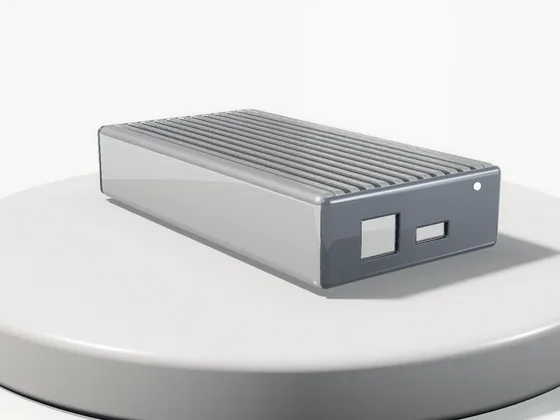
- TR-EDGE-3588Tannai Robotics RK3588 AI BoxEthernet, HDMISpec sheetTechnical Documents
- TR-LID-D500360-Degree DTOF LiDARSerial (UART) via included USB adapter boardSpec sheetTechnical Documents
- TR-CAM-U4M4MP USB2.0 Driver-Free Stereo CameraUSB 2.0, driver-freeSpec sheetTechnical Documents
- TR-CAM-S4M4MP Synchronized Stereo Depth ModuleUSB 2.0, driver-freeSpec sheetTechnical Documents
Orders & After-sales
This site has no live order tracking. Your confirmation email or quotation thread is the reference.

Common Questions
The questions customers ask most, grouped by topic.
Buying & quotes
Is there a minimum order quantity?
No MOQ is published. Products are ordered by quotation, where quantity and price are confirmed.
How do I pay?
By bank transfer (T/T) against our proforma invoice. Bank details appear only on that invoice, never on this website.
Do you support OEM or ODM projects?
OEM / ODM coordination starts by defining requirements, configuration and acceptance criteria before a sample or project commitment. Scope is confirmed per project.
Technical & compatibility
Do the products support ROS or ROS 2?
Only what each spec sheet states. Name your ROS distribution, operating system and SDK version, and validate the driver on the intended host before a larger order.
Where do I get the SDK, drivers or API documents?
Request the exact-model datasheet, manual and SDK for your host system. Unverified download links are not published.
What about wiring and supply voltage?
Interfaces are listed in each spec sheet as published. Supply voltage and wiring are not published for every product; confirm them for your carrier board before integration.
Samples & POC
Can I start with a sample or a POC?
A sample checks one unit on the bench; a POC checks a configured system against a measurable task. Acceptance criteria and commercial terms are agreed before either begins.
Orders & delivery
What is the lead time?
Lead time and availability are confirmed for your configuration and destination. No fixed dispatch date is implied.
How do I check my order status?
For a Shopify order, use the order-status link in your confirmation email. For a project order, reply to your quotation thread with the order reference.
After-sales & warranty
What warranty applies?
Warranty duration, coverage and service process are confirmed for the exact product and destination before purchase. Please ask us to confirm.
Can I return a product?
Ask support to confirm eligibility and instructions before sending anything back. Conditions for configured or project products are set in the quotation.
No matching question. Write to us instead.
Contact supportPre-sales
Selection, specifications, interface checks, samples and POC.
Orders
Quotations, order confirmation, delivery terms, logistics and documents.
After delivery
Installation, drivers and software, fault reports, warranty and after-sales.
This site has no live order tracking. Your confirmation email or quotation thread is the reference.